Video
A video is a widget for playing video and audio media (core.Video). Video support is currently experimental. On desktop platforms, videos are decoded with FFmpeg, which you must first install with core setup -video (see install). On the web, a video is played by the browser; files of an app such as its videos can be served with it with Web.Files in its core.toml (as in the video example), so that it opens them by their relative paths.
For static images, use an image widget instead. For more programmatic control of rendering, use a canvas. For SVG, use an SVG widget.
You can make a new video widget, open a video file, and play it:
v := video.NewVideo(b)
v.Styler(func(s *styles.Style) {
    s.Grow.Set(1, 1)
})
errors.Log(v.Open("video.mp4"))
v.OnShow(func(e events.Event) {
    v.Play(0, 0)
})
Controls
Set Controls to show the standard playback controls over the bottom of the video, when the mouse is over them or the video is paused: back 10 seconds, play and pause, forward 10 seconds, mute, the volume, the time, and the position, which you can drag to seek. A click on the video plays and pauses it.
v := video.NewVideo(b)
v.Controls = true
Keyboard shortcuts
When a video has the focus, which a click on it gives it, the keys of video players control it:
| Key | Action |
|---|---|
| Space | Play / pause |
| Right arrow | One frame forward (pausing) |
| Left arrow | One frame back (pausing) |
| Up arrow | 10 seconds forward |
| Down arrow | 10 seconds back |
The same controls and keys are used on desktop platforms and on the web.
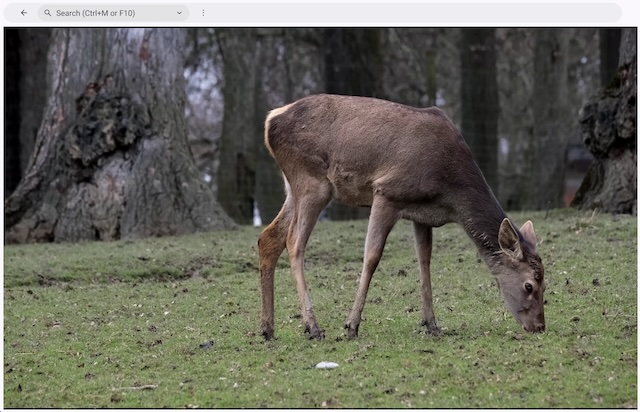
Here is a screenshot of the video example: